


Introduction
A website has less than a few seconds to make an impression. The question is: does it feel alive?
Think about the last website that truly caught your attention.
Maybe elements appeared exactly when you started scrolling. Maybe a button responded smoothly when you hovered over it. Maybe the content unfolded like a story rather than a static page.
You probably didn’t stop and think: “Wow, that’s a great animation.”
Instead, you simply enjoyed the experience. And that’s the power of great website animation.
At Mandy Technologies, we’ve learned that the most effective animations aren’t the flashy ones. They’re the ones users barely notice because they feel natural, intuitive, and purposeful.
As modern websites continue to evolve, user expectations have changed dramatically. Visitors no longer want static pages packed with information. They expect interactions, movement, and experiences that guide them seamlessly through a website.
This is where GSAP enters the story.
In this guide, we’ll explore what website animations are, why they matter, how GSAP helps create high-performance animations, and how developers can implement GSAP animations in WordPress websites.
What Are Website Animations and Why Do They Matter?
Website animations are motion effects used to improve user experience and make digital interactions more intuitive. They can be applied to text, images, buttons, navigation menus, forms, page transitions, and scroll-triggered content.
Common animation examples include:
- Fade-in effects
- Slide-up animations
- Hover interactions
- Loading indicators
- Scroll reveals
- Microinteractions
Beyond visual appeal, animations serve a practical purpose. They help guide user attention, establish visual hierarchy, improve content consumption, provide feedback during interactions, and create a stronger brand experience. When used strategically, animations can increase engagement, improve navigation, and encourage users to interact with important elements such as call-to-action buttons, forms, and product showcases.
“People remember experiences far longer than they remember pages.”
Business Benefits of Website Animations
Website animations contribute to more than just aesthetics. They can positively impact user behavior and business outcomes.
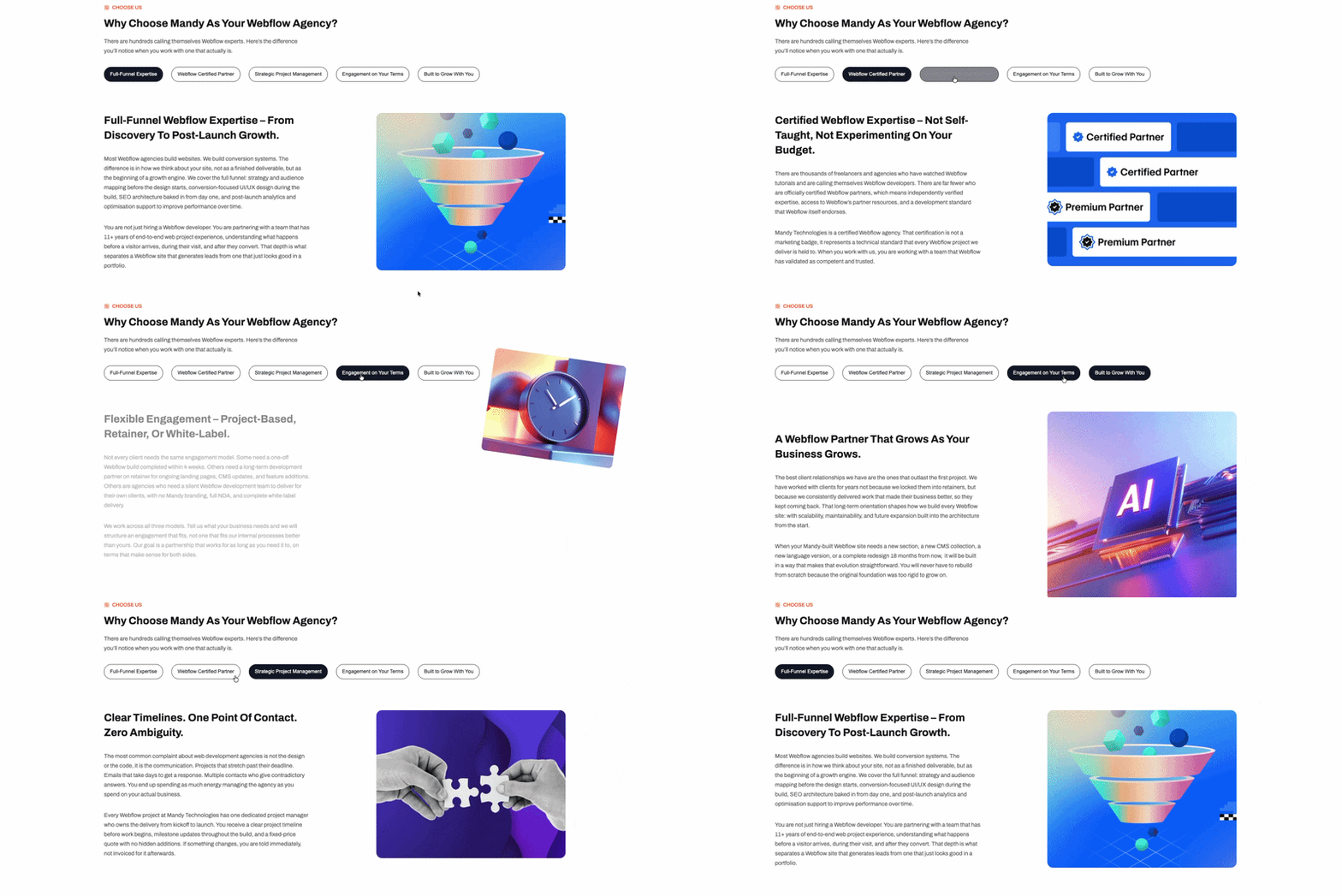
Higher User Retention
Interactive experiences encourage visitors to spend more time exploring content and navigating through pages.
Better Conversion Opportunities
Animations can draw attention to important actions such as:
- Contact forms
- Sign-up buttons
- Pricing tables
- Product highlights
- Purchase buttons
Improved User Satisfaction
Smooth transitions and visual feedback make websites easier to use, helping build trust and improve the overall user experience.
Common Types of Website Animations
Entrance Animations
Elements appear with effects such as fade-ins, slide-ups, or scaling when they enter the viewport.
Best For: Hero sections, feature cards, testimonials, and content blocks.
Scroll Animations
Animations triggered as users scroll through a page.
Best For: Ideal for landing pages, narrative-driven web experiences, product demonstrations, and detailed content sections.
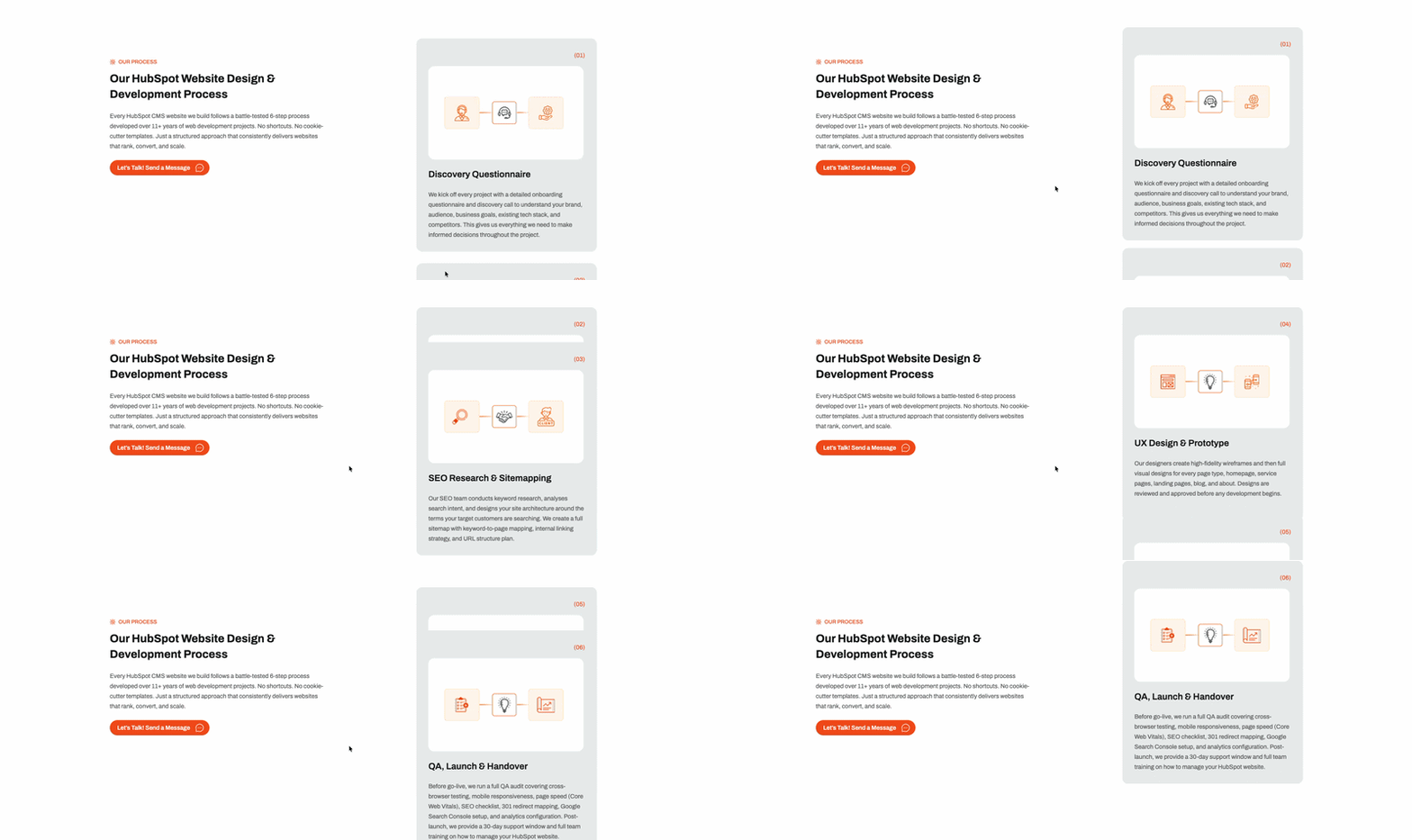
Hover Animations
Animations activated when users interact with buttons, cards, or navigation elements.
Best For: Menus, buttons, product listings, and interactive components.
Loading Animations
Provide visual feedback while content or data is loading.
Best For: Applications, dashboards, and dynamic websites.
Microinteractions
Small animations that respond to user actions such as form validation, toggle switches, success notifications, and like buttons.
Popular JavaScript Animation Libraries
Several animation libraries can help developers create modern website experiences.
| Library | Best For |
| GSAP | Advanced animations and scroll effects |
| Framer Motion | React applications |
| Anime.js | Lightweight animation projects |
| AOS | Simple scroll animations |
| Motion One | Modern performance-focused animations |
Each library has its strengths, but GSAP remains one of the most comprehensive and widely adopted solutions.
“Good design attracts attention. Great experiences keep it.”
What Is GSAP?
GSAP (GreenSock Animation Platform) is a professional JavaScript animation library designed for creating high-performance web animations. It enables developers to animate HTML elements, CSS properties, SVGs, canvases, and JavaScript objects with precise control and smooth performance.
Unlike basic CSS animations, GSAP provides advanced features such as timelines, sequencing, scroll-based triggers, and complex animation orchestration. This makes it a preferred choice for developers building interactive websites, landing pages, product showcases, and custom WordPress experiences.
GSAP is trusted by developers because it offers excellent browser compatibility, optimized performance, and a powerful ecosystem of plugins for creating advanced motion effects.
Why Choose GSAP for Website Animations?
GSAP has become the industry standard for professional web animation because of its flexibility and performance.
High-Performance Rendering
GSAP is optimized for smooth animations across desktop and mobile devices.
Advanced Timeline Control
Developers can sequence multiple animations and create complex interactions using a single timeline.
ScrollTrigger Integration
The ScrollTrigger plugin allows developers to create:
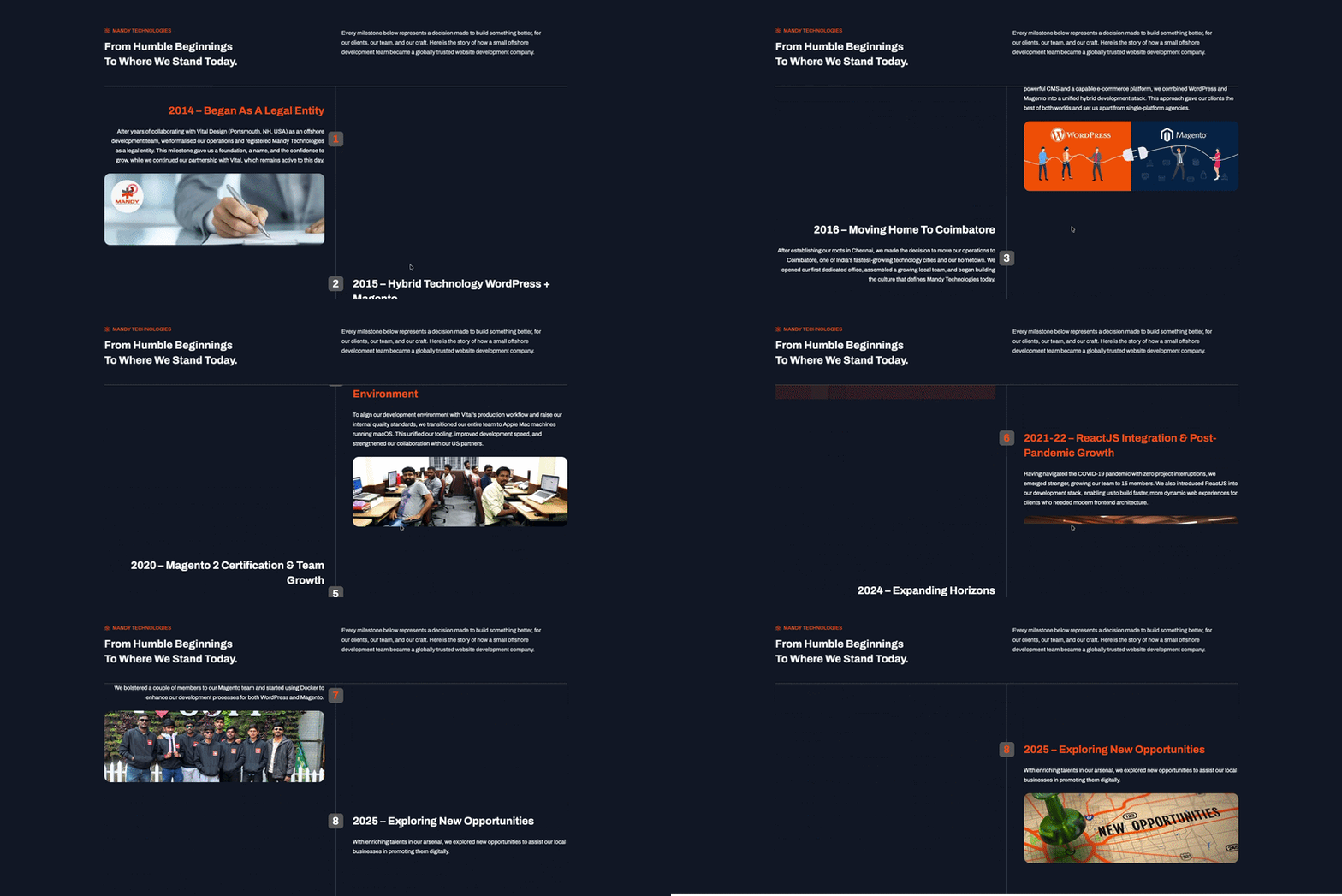
- Scroll reveal animations
- Parallax effects
- Interactive storytelling
- Progress-based animations
- Section-triggered effects
SVG Animation Support
GSAP provides powerful tools for animating SVG graphics and illustrations.
Strong Browser Compatibility
Animations behave consistently across modern browsers and devices.
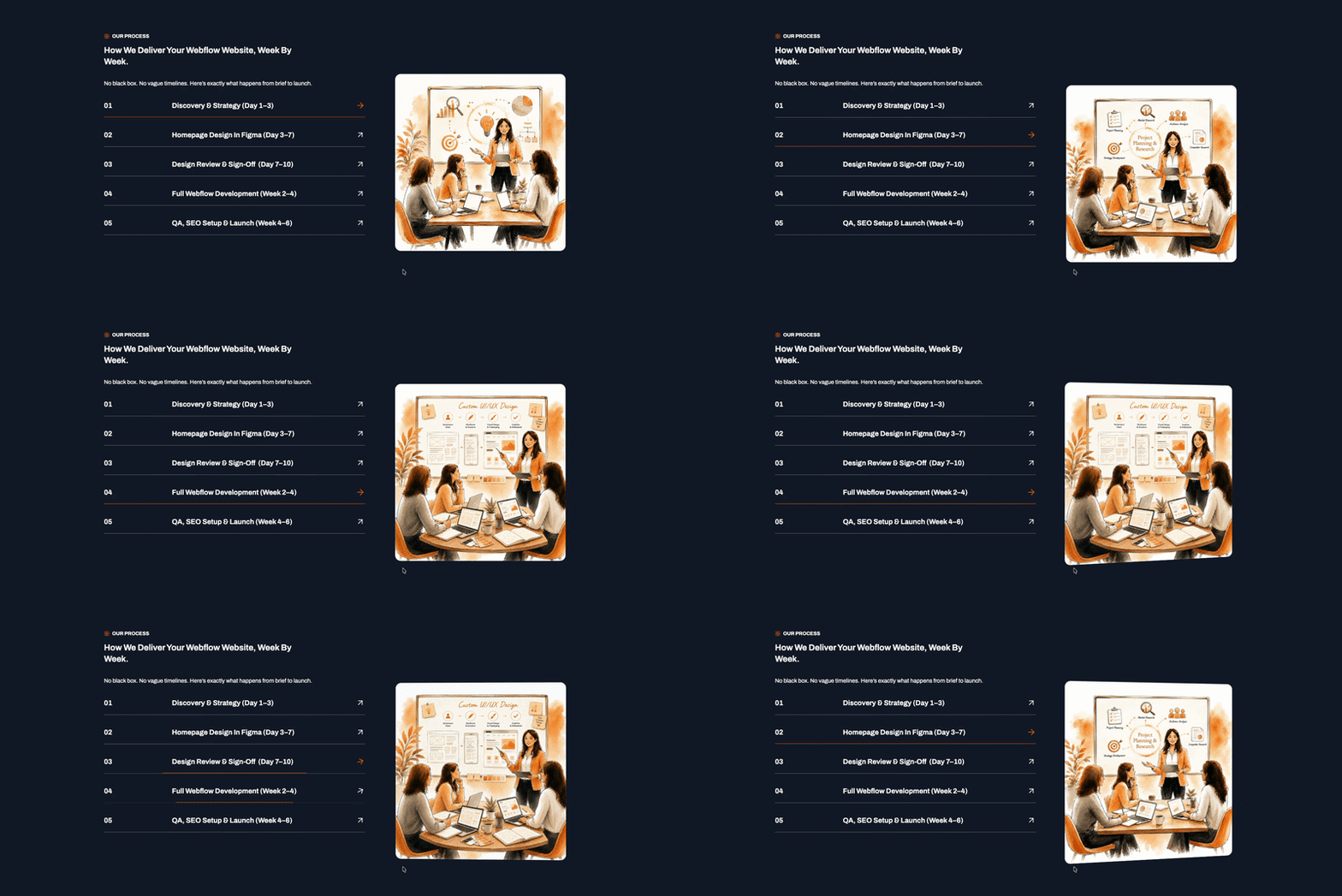
GSAP Animation Example
Fade-Up Animation
gsap.from(".feature-card", {
    opacity: 0,
    y: 50,
    duration: 1,
    ease: "power2.out"
});
This animation smoothly reveals content while moving it upward.
Scroll Animation Using ScrollTrigger
gsap.registerPlugin(ScrollTrigger);

gsap.from(".section", {
    scrollTrigger: ".section",
    opacity: 0,
    y: 100,
    duration: 1
});
This animation triggers when the element enters the viewport.
Using GSAP in WordPress
GSAP can be integrated into WordPress using several approaches depending on project requirements.
Theme Integration
Developers can enqueue GSAP scripts directly within a WordPress theme and create custom animations using JavaScript.
function mandy_enqueue_scripts() {

    wp_enqueue_script(
        'mandy-count-up',
        get_template_directory_uri() . '/src/scripts/animations/count-up.js',
        array(), // dependencies
        filemtime(get_template_directory() . '/src/scripts/animations/count-up.js'),
        true // load in footer
    );

}
add_action('wp_enqueue_scripts', 'mandy_enqueue_scripts');
Custom Plugin Development
A dedicated animation plugin allows functionality to remain independent from the active theme, making updates and maintenance easier.
Gutenberg Block Integration
Animation controls can be added directly to Gutenberg blocks, allowing content editors to enable animations without writing code.
Common block animation options include:
- Fade In
- Slide Up
- Scale In
- Scroll Reveal
- Custom animation timing
This approach is particularly useful for agencies and content teams managing WordPress websites.
Do Website Animations Affect SEO?
Yes. Website animations can positively or negatively affect SEO depending on implementation.
| Positive SEO Impact | Negative SEO Impact |
| User engagement | Page speed |
| Session duration | Core Web Vitals |
| Content discoverability | Mobile performance |
| User experience signals | Rendering efficiency |
The goal is to create engaging experiences while maintaining fast-loading pages.
“The best animation is the one users feel, not the one they notice.”
Performance Best Practices for Website Animations
To maintain performance:
- Animate transform and opacity whenever possible
- Avoid animating width, height, top, and left
- Load animation assets only when needed
- Optimize images and media assets
- Test animations across devices
- Monitor Core Web Vitals regularly
Following these practices helps maintain smooth animations without impacting page performance.
Accessibility Best Practices
Animations should be accessible to all users.
Recommended Guidelines
- Respect prefers-reduced-motion
- Avoid excessive or distracting movement
- Ensure content remains accessible if animations are disabled
- Use motion to improve usability, not just decoration
Accessibility should be considered during every stage of animation development.
Frequently Asked Questions
What are website animations?
Website animations are motion effects that improve user experience, guide interactions, and enhance content presentation.
Why are animations important for websites?
Animations help guide user attention, improve engagement, provide visual feedback, and create more intuitive user experiences.
Is GSAP better than CSS animations?
GSAP provides advanced timeline control, scroll-based animations, and better flexibility than traditional CSS animations.
Can GSAP be used in WordPress?
Yes. GSAP can be integrated into WordPress themes, plugins, Gutenberg blocks, and custom development workflows.
Are website animations SEO-friendly?
Animations can support SEO when implemented correctly and optimized for performance.
Conclusion
A website shouldn’t just be seen, it should be experienced.
As competition online continues to grow, businesses that create engaging, interactive, and high-performing digital experiences will stand out from the crowd.
GSAP gives WordPress developers the power to transform ordinary pages into memorable journeys without compromising speed, accessibility, or SEO.
And if you’re looking to build a WordPress website that feels as good as it performs, Mandy Technologies can help.
Let’s create experiences that move your audience and your business forward.
